Your phone.
Not your
full-time job.
Your apps, your music, your time. Make room for what you actually picked up your phone to do.
Get Omit on Google Play ↗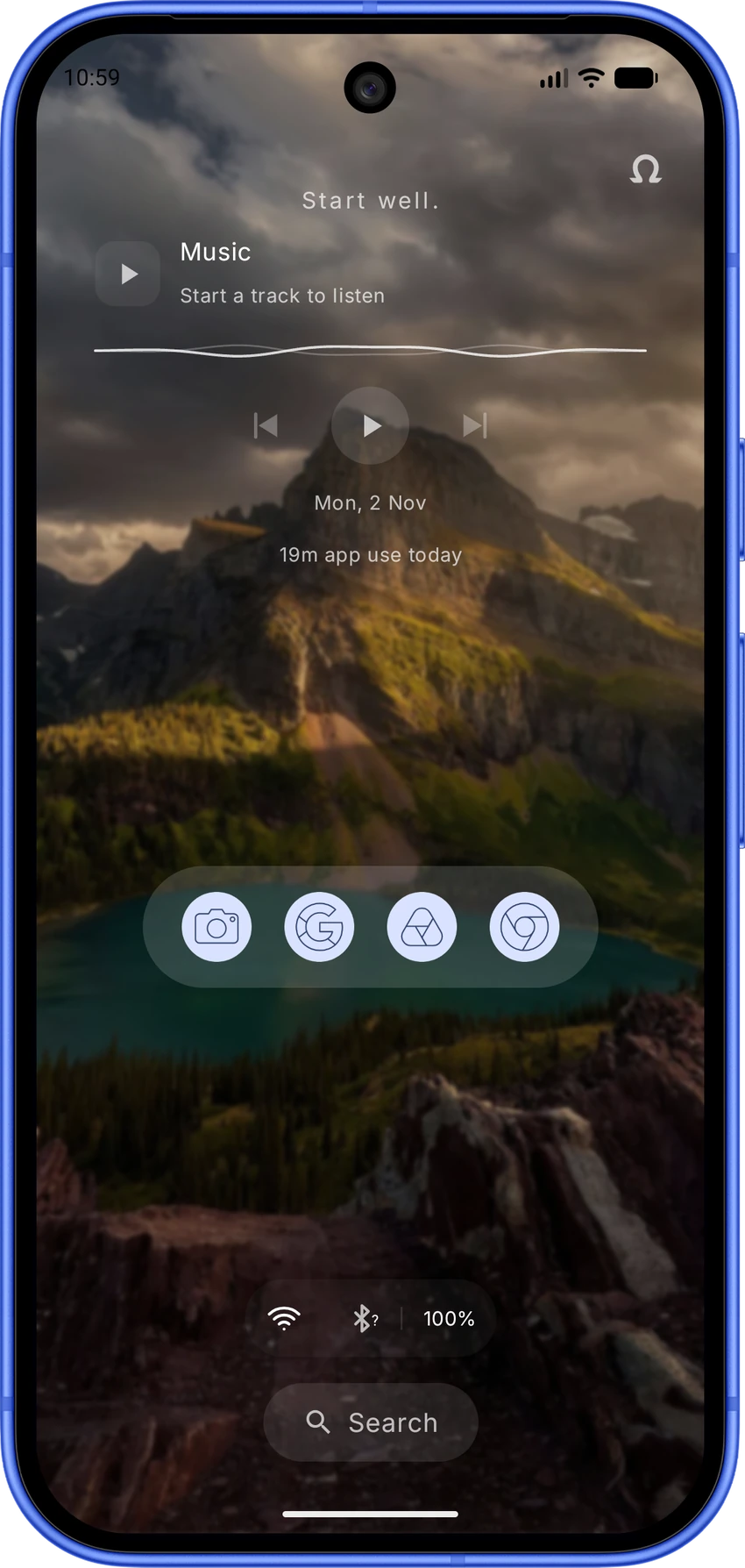
Opened one app. Lost an hour. Sound familiar?
omit.
Keep your favourites close. Give distractions less space.
Less talk. Show me. ↘Less fuss.
More phone.
Your apps. Less mess.
Pick a drawer that makes sense to you.
 ↗
↗A phone with your taste.
Themes, fonts, icons and clocks.
 ↗
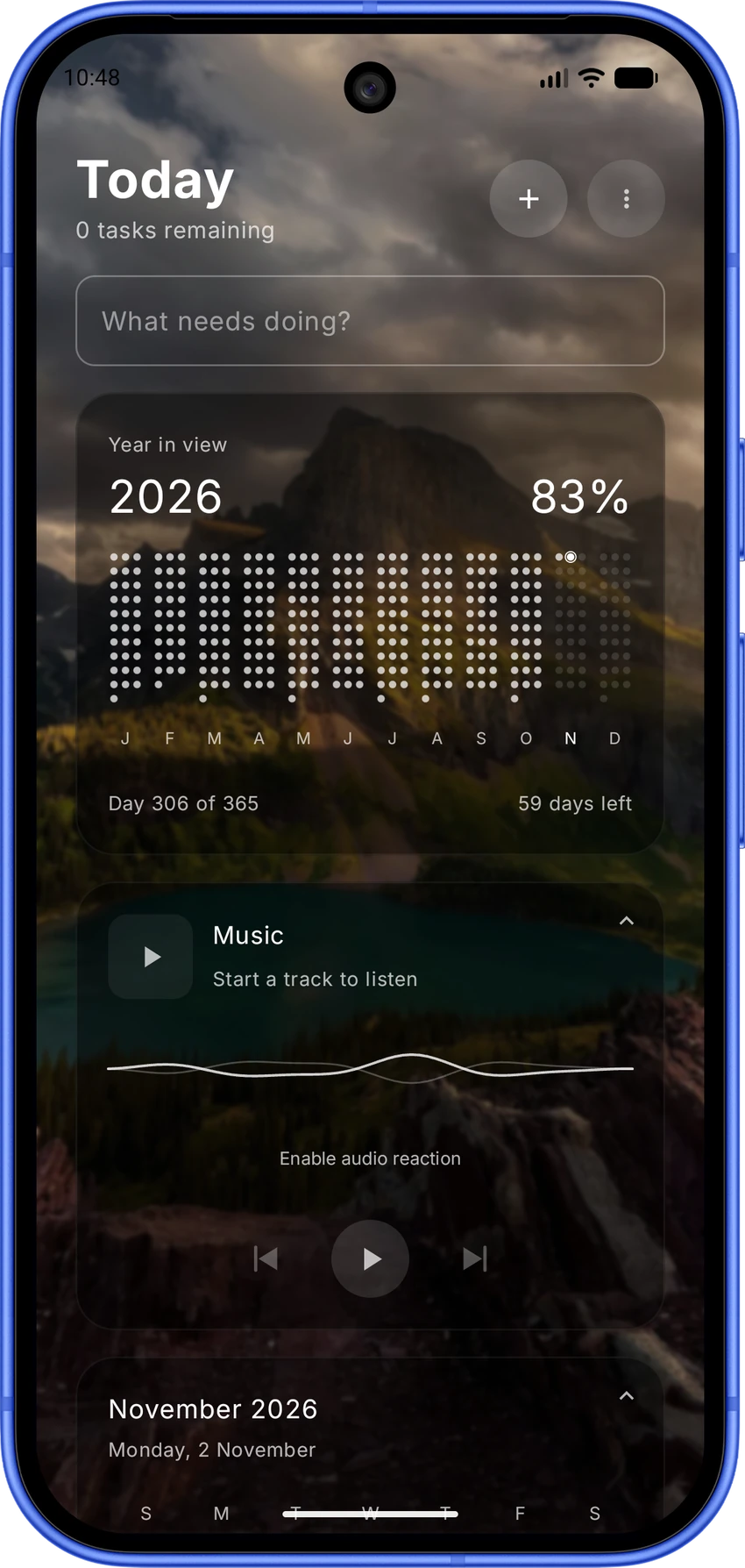
↗The useful stuff, closer.
Music, widgets and everyday details.
 ↗
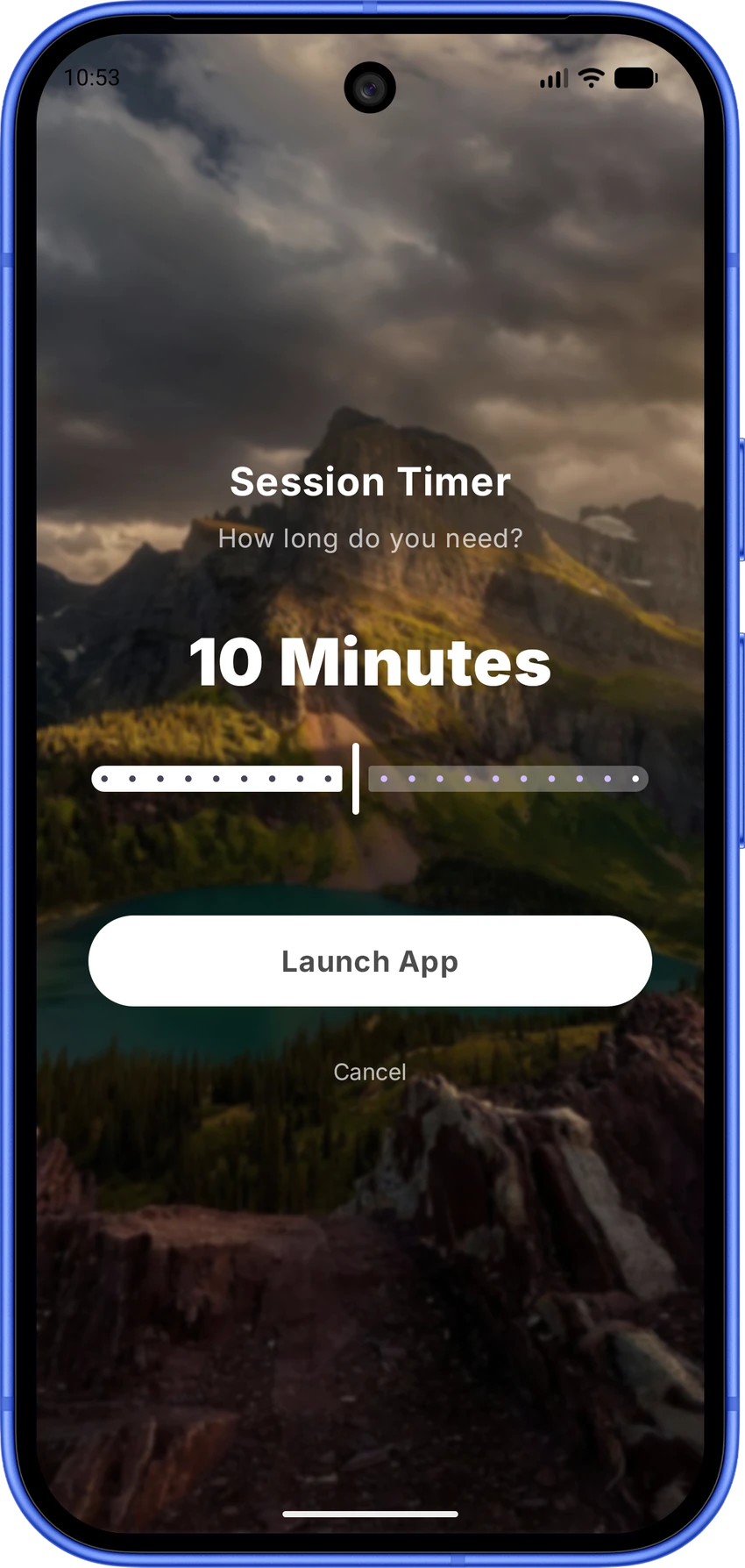
↗Put a limit on “one more”.
A pause. A timer. A better stopping point.
 ↗
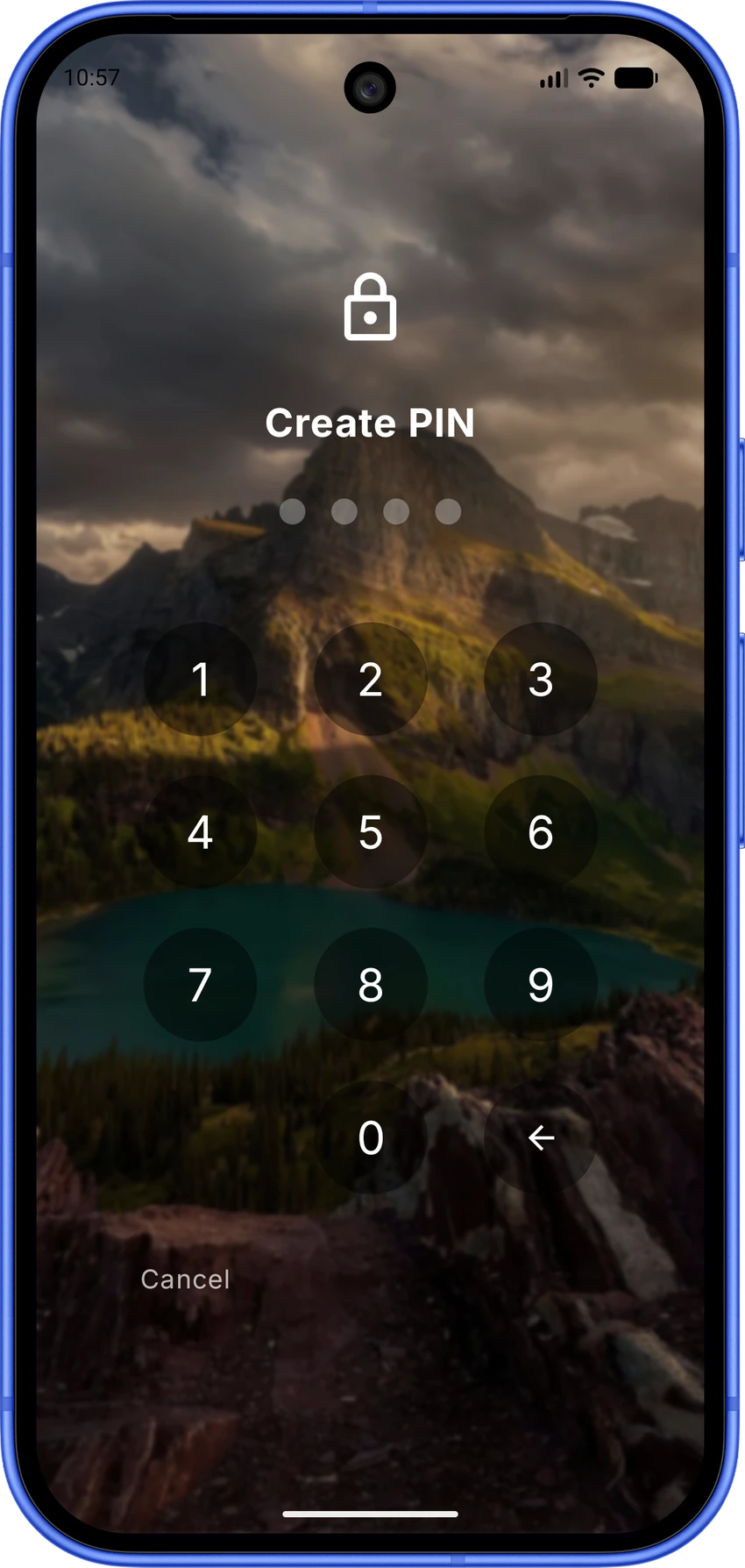
↗Keep some things to yourself.
Hidden apps and a PIN when you need it.
 ↗
↗It’s an app drawer.
Not a treasure hunt.
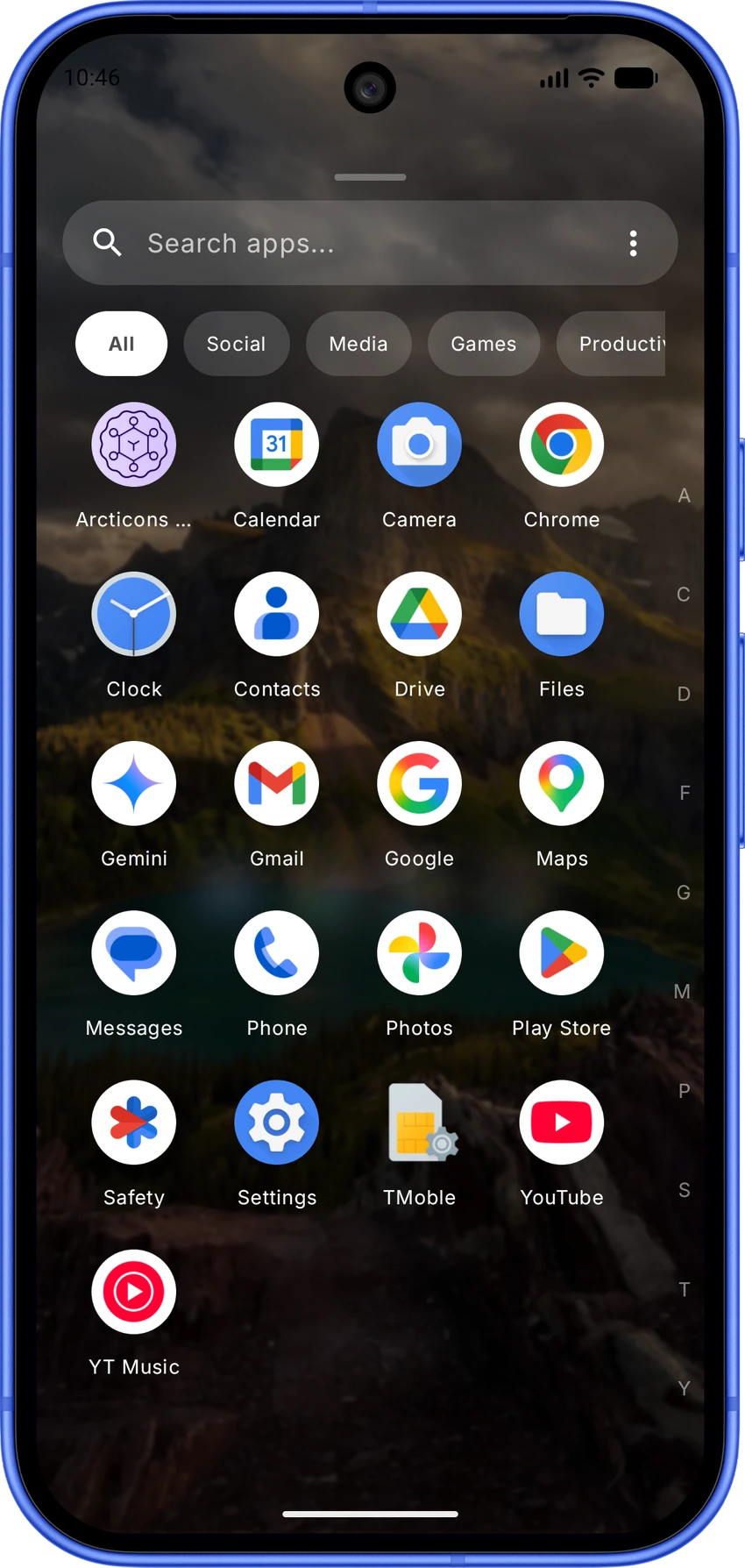
Grid, List or Text. Your choice.
Search, categories and icon packs help keep it yours.
Everything in its place.
A familiar grid with categories and search. Find your app without making a project of it.
Minimal doesn’t
mean identical.
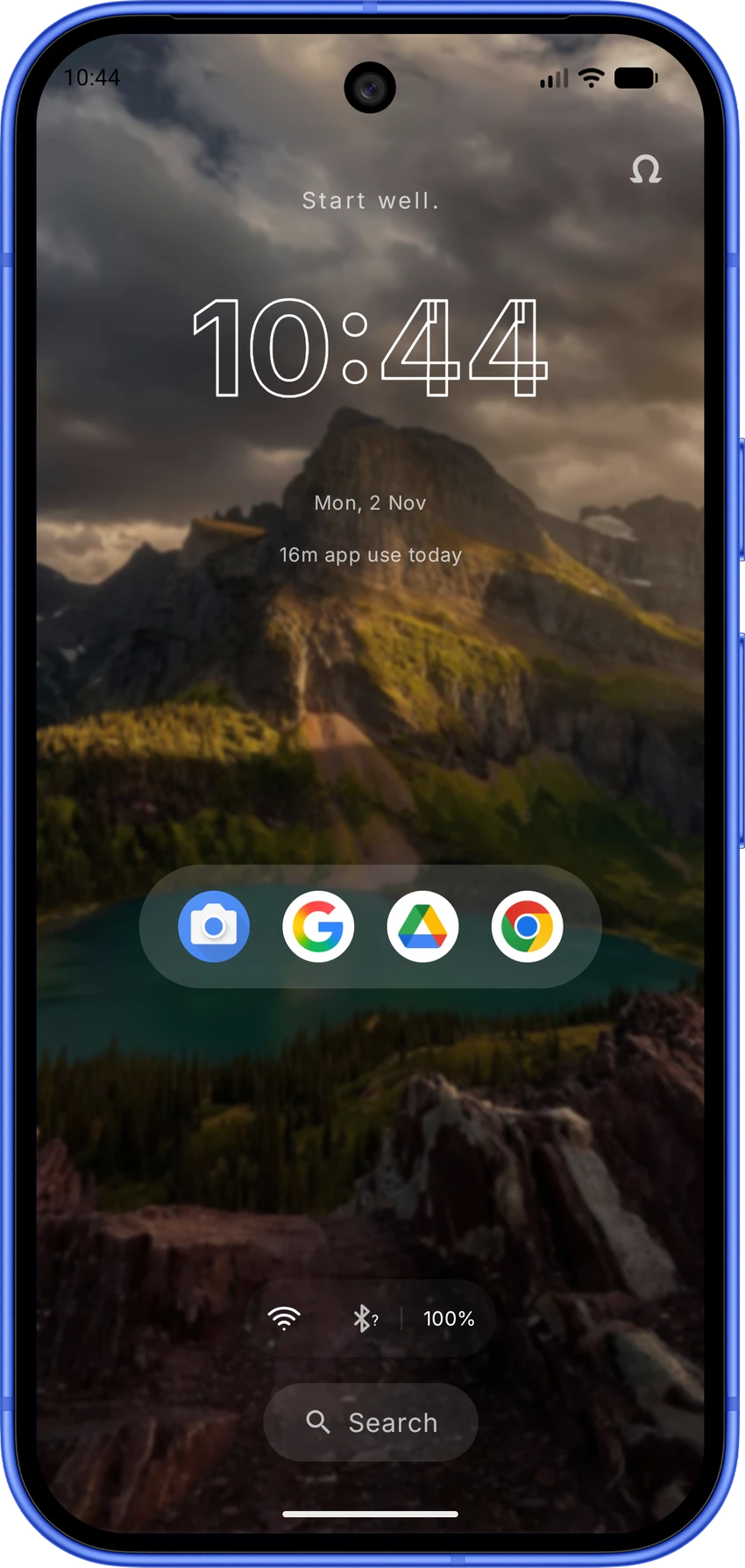
Choose the type, colours, icons and clock.
Keep the parts you like. Change the rest.
Your taste gets the final say.
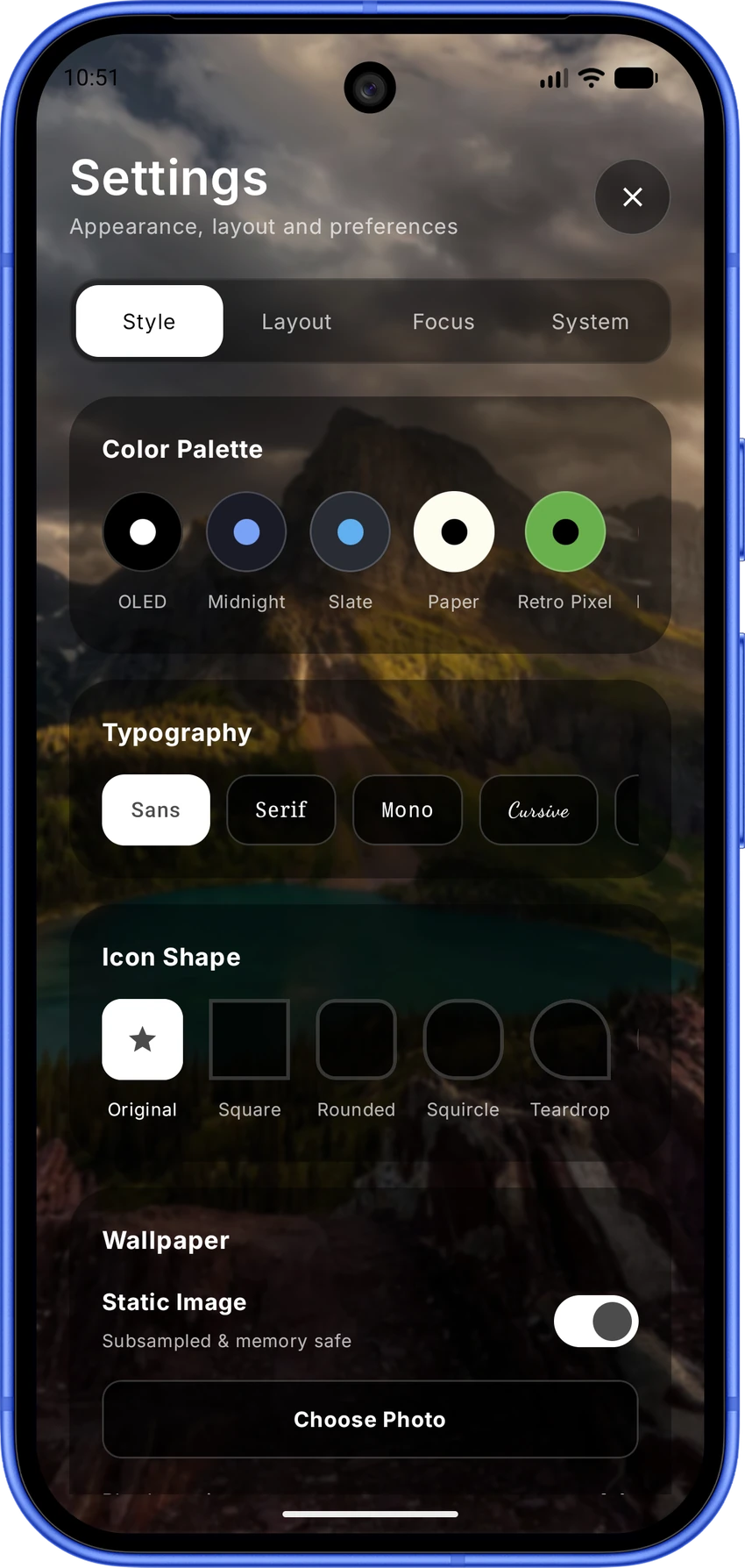
Choose a colour palette, typography and icon shape. A quiet home screen doesn’t have to look like everyone else’s.
A background.
With some personality.
A photo you love. A video that moves.
Your home screen, your scenery.
A home worth looking at.
Choose a photo for your background. Keep the things you actually use in front of it.
The next track.
Not the next
distraction.
Playback controls and a moving waveform, right on your home screen. Swipe between your clock and music.
Useful things.
Less app-hopping.
Your day, music and a small break.
There’s room for your own Android widgets, too.
Useful. Without the detour.
Tasks, year progress, music and calendar together in the widget section. Less app-hopping for the small stuff.
“Just five minutes.”
Sure. Set a timer.
Choose the apps that pull you in.
Pause before opening. Set a session length.
“Just checking” has a cost.
Add a pause before opening a distracting app. A moment to decide whether you meant to tap it.
Some things can
stay out of sight.
Hide an app from the drawer.
Or add a PIN before it opens.
Not every app needs an audience.
Keep selected apps out of the drawer. Hidden apps remain installed on your phone.
Set it up.
Then get on with it.
Favourites, layout, gestures and the little details.
A guided setup that leaves the choices with you.
Start with the apps you reach for.
Pick your favourite apps first. Omit builds your home around that shortlist.
A few straight
answers.
Are these real Omit screens?+
Yes. These are Omit app screenshots. Tap a screen in a feature section to see it larger. Wallpapers, icon packs and app content reflect the example setup shown.
Can I keep my own wallpaper and icons?+
You can choose a photo or an MP4 video for your wallpaper and apply an installed icon pack. Omit also offers colour themes, font choices, clock faces and icon shapes.
What if my phone struggles with blur?+
The app drawer and widget section have optional solid black backgrounds. This switches off blur in those sections. It is a choice for those panels, not a claim about a blurred home screen.
Why does the music widget ask for access?+
Notification access lets Omit connect to supported media sessions for track information and playback controls. Audio-reactive waves depend on permission and device support; an animated fallback is available when audio capture is off or unavailable.
Where do I download Omit?+
Get the Android app from Omit’s Google Play listing. The store has current availability and app details.